Posted on January 30th, 2012 by Kim
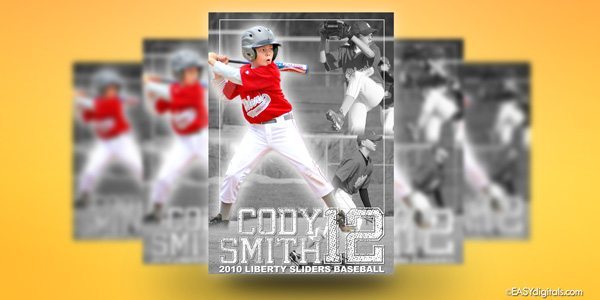
An EasyDigitals.com customer (Glenn) asked me if they could change the Cutout that is 10×20 horz to 10×20 vert. I said “Hmmm…” Then I decided to do it and record my screen so that I could share it with you. I know many of you own the Cutouts so here is the tutorial, in case [...]
Filed under: News, Tutorial | Comments Off
Posted on March 20th, 2011 by Kim
One of my customers sent me a challenge: “How do I get a more square team photo to work in the Cutouts?” After some thought I did come up with a solution and I decided to make a tutorial on it to help all of you Cutout owners! Related Products: Cutouts
Filed under: News, Tutorial | 2 Comments »
Posted on February 27th, 2011 by Kim
This video tutorial goes over customizing part 1 of The Action Zone layered backdrop. Related Product:Pro Photoshop Layered Backdrops Vol 1 SEE TUTORIAL LARGER
Filed under: News, Tutorial | Comments Off
Posted on February 27th, 2011 by Kim
The following is an overview of the elements of the layered backdrops. Related Product:Pro Photoshop Layered Backdrops Vol 1 SEE TUTORIAL LARGER
Filed under: News, Tutorial | Comments Off
Posted on February 24th, 2011 by Kim
Several of you have asked for resizing instructions and I have created this video just for you. Related Product: Pro Photoshop Layered Backdrops Vol 1 SEE TUTORIAL LARGER
Filed under: News, Tutorial | 1 Comment »
Posted on July 12th, 2010 by Kim
I recently received the following question from Ric: I was looking at the templates in Poster Pro Quick Kit Vol5 and in the Idea Zone template 6 of 9 it was the swimming one how did you do that one? Was the one picture in the lower right corner a cut out? It looks like [...]
Filed under: News, Tutorial | Comments Off