
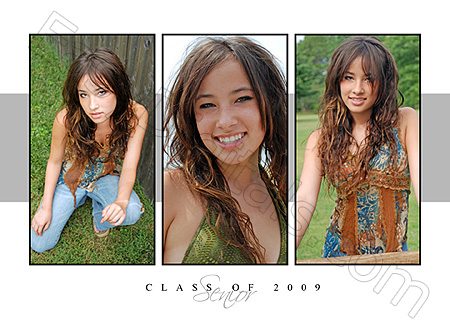
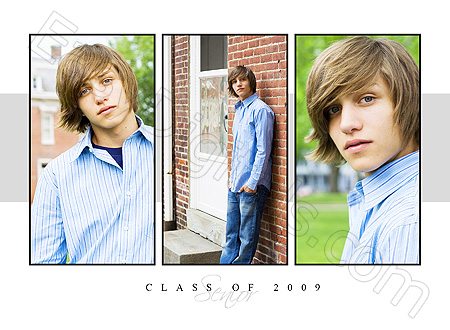
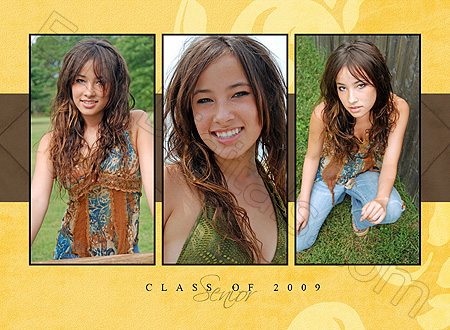
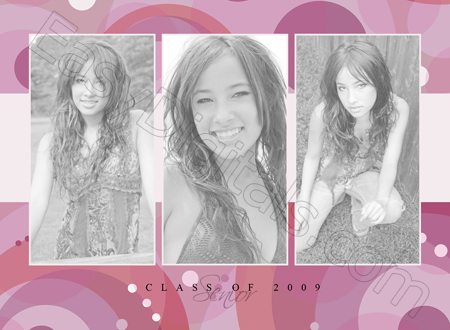
 This contemporary horizontal gallery style template is perfect for a series of photos.
- 5.5 x 7.5 inches (includes bleed)
- 300 dpi
- Photoshop and Photoshop Elements compatible.
Watch these 3 easy tutorials to learn more:
- How to use clipping masks to add photos for photoshop and elements.

- How to add your own coordinated digital paper to the template for endless looks.
- How to crop to 5×7 if the bleed is not needed.
Get this card and many more by signing up for the EasyDigitals.com newsletter today.

Click gallery below to see larger:



3 replies to "FREE Template of the month Feb 2009"
Thanks for the template and the tutorial – very helpful. Do you have one that shows how to change the text from Class of 2009 to a date for the Save the Dates? Thanks.
I go over text changes in this tutorial. http://easydigitals.com/train/title/title.html
Hi Kim:
I hope you are doing well. Thanks for thr great templates. I have used several in the last few months.
I was wondering if you could help me.. I had a hard drive melt down last week, I managed to save all but one of my Easy Digital files. I lost the free February template.
Would it be possible to get that one again. My kids babysitter and her sister want to give it to their mom for Mothers Day.
Sorry if this causes you any inconvenience.
Thanks
Brent Snowden
I am an elements user